
Connect your site to our app and start taking control in under 5 minutes.
Create an account
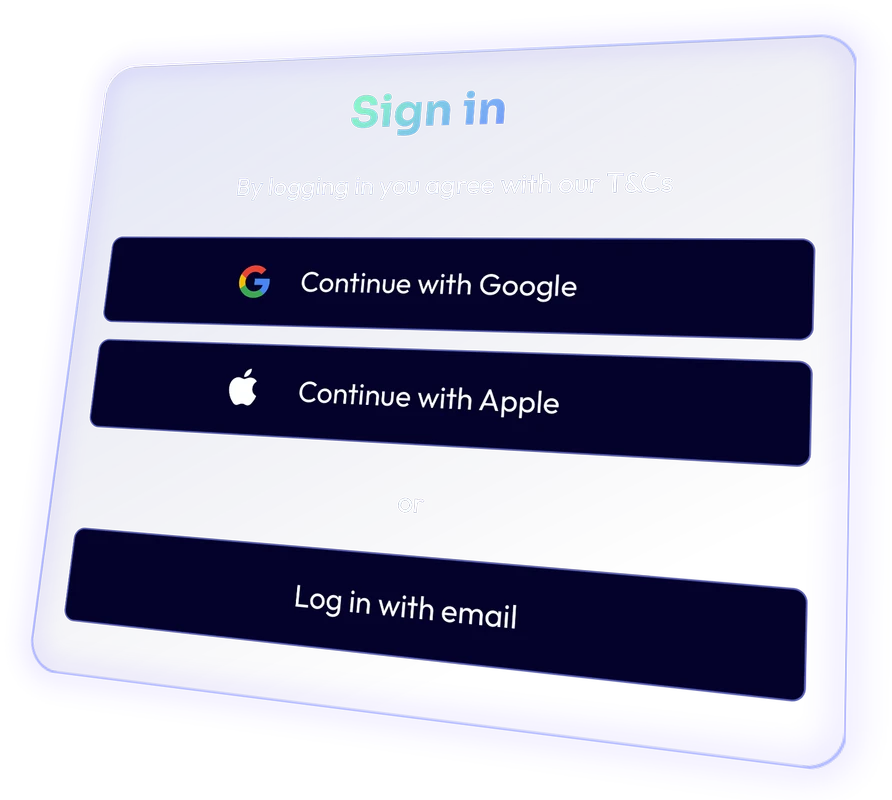
Sign up for CtrlSite in seconds using Google or Apple, at your preference.
Creating an account is free, and you can add credits whenever you’re ready to start using AI agents.
Add and pair your site
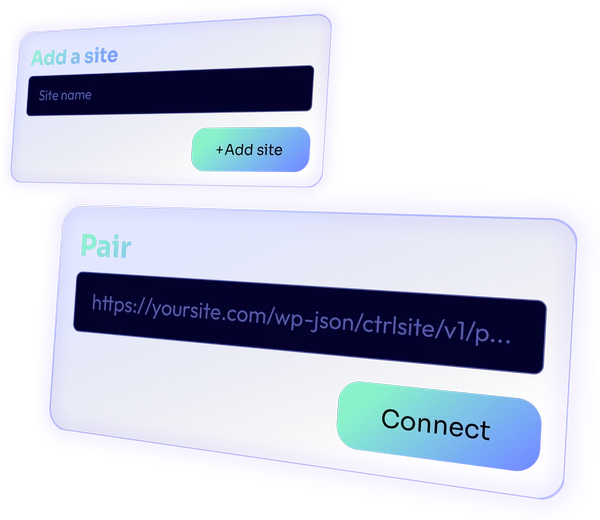
Enable pairing mode in the Connector plugin settings on your site to generate a unique connection URL. Paste this URL into the Ctrl Site app within 30 seconds to securely connect your website.